
A modern, standalone desktop application for analyzing FlySight 1 or FlySight 2 speed skydiving track data augmented with interactive charts and maps. No Internet connection required. All beta versions are numbered 2.99.xx, where the revision decreases from 9 for every release, and the minor decreases from 99, 98, and so on if the revision number gets to zero.
Installation
macOS
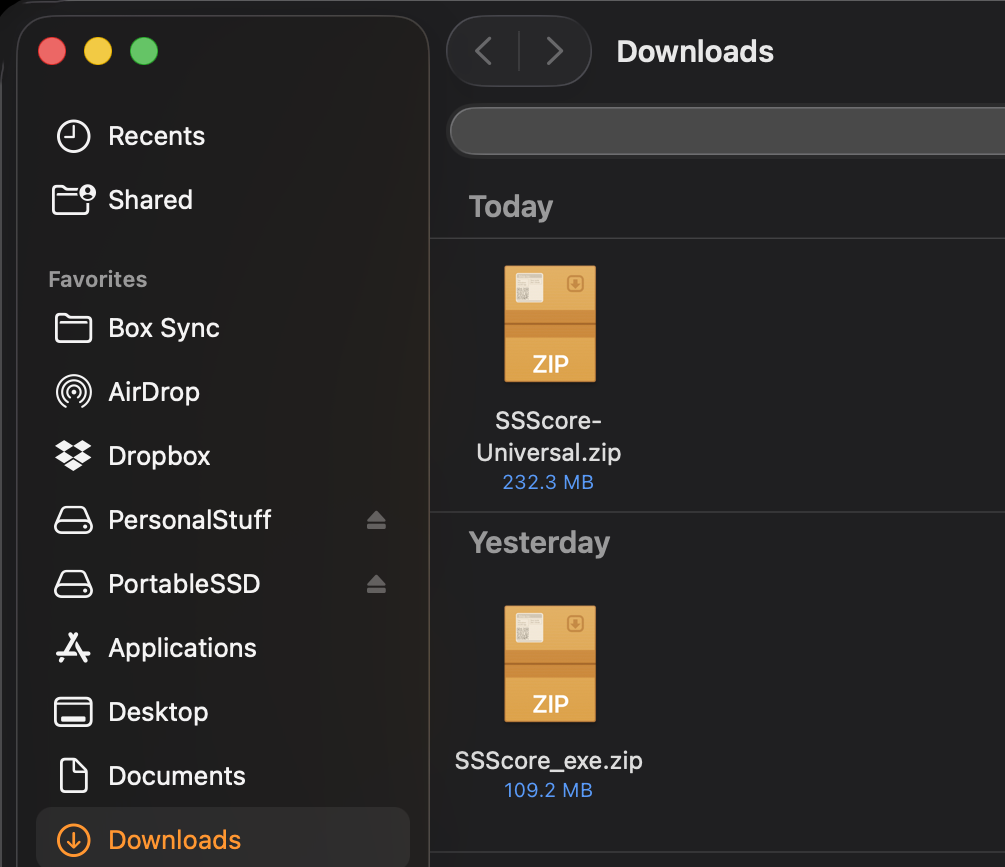
- Download SSScoring-Universal.zip
- Updated: 20260521.2318 ICT
- RC1 – code signed, notarized, and stapled – legit macOS app
- SHA-256 signature: 815d67302a82ad01b2adcf991598d8ab9ec790045d28ccb96708009139be09cd
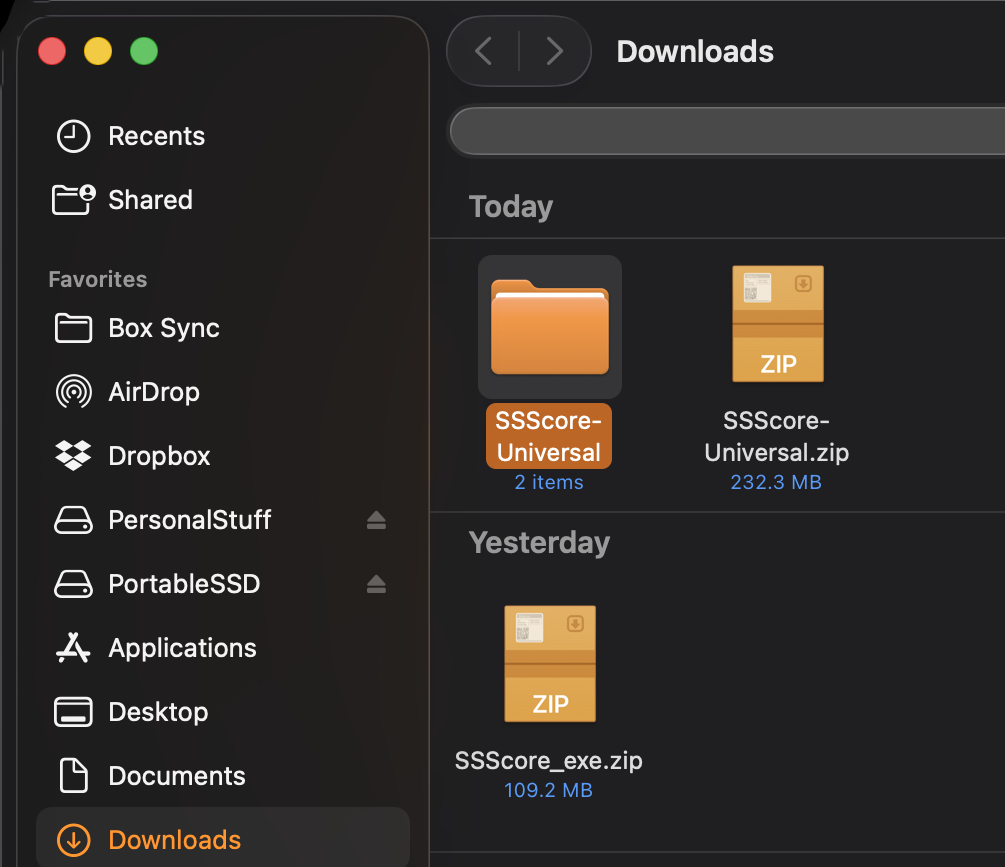
- Double-click to extract
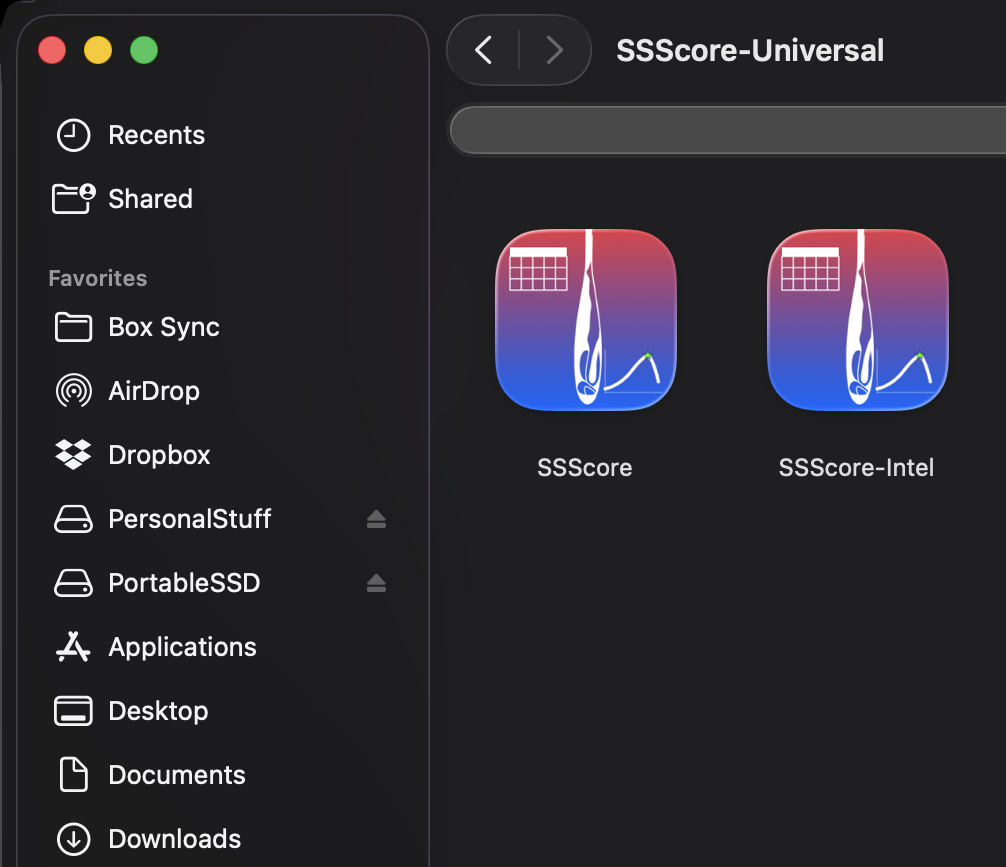
- Drag the appropriate application to your Applications folder:
- SSScore.app for Apple Silicon
- SSScore-Intel.app for Intel Macs
- (optional) umountFlySight.app – a dedicated unmount tool for FlySight 1 an FlySight 2’s slow file system that guarantees the device is unmounted before unplugging it
- (optional) DumbDriver.app – technical users who installed SMART Tools fail to mount the FlySight 2 file system; run this app once per session if you plug the FlySight 2 to your Mac and it doesn’t show in the Finder
- Launch SSScore.app (Apple Silicon) or SSScore-Intel.app (Intel Macs)
Windows
- Download the Windows installer
- Updated: 20260521.2223 ICT
- RC1 – standard Windows installation behavior for third-party app
- SHA-256 signature: 385fb9498227c2739f54014c6180425836bc44a7b89aaa0265357a95cbda23a3
- Double-click to install
- SSScore.exe will be installed to C:\Program Files with the option to install a link to it from the desktop
First launch
Mac:
- macOS may show a warning: SSScore.app cannot be opened because the developer cannot be verified. / Right-click the app / Open / click Open in the dialog.
Windows:
- On first run, Windows SmartScreen may require you to click “More info” followed by “Run anyway”.
Minimum system requirements
- Mac
- macOS 11 Big Sur or later; OR
- 8 GB RAM
- Windows
- Windows 10
- 12 GB RAM
Feedback
This is a beta release. Please report any issues as comments to this post or via the GitHub issue tracker.